Preventing Images From Being Saved on Right-Click

More often than not, people have asked that if they uploaded their profile picture online, would it be possible to disable downloading of their profile photo by others.
There is no full-proof method of preventing images from being saved by the end user.
The user can hit print-screen and crop the image out of the screenshot, or can directly download the image by knowing the exact image URL from the page’s source code (HTML, CSS JavaScript) or using tools like FireBug, AdBlockPlus to extract the image URL.
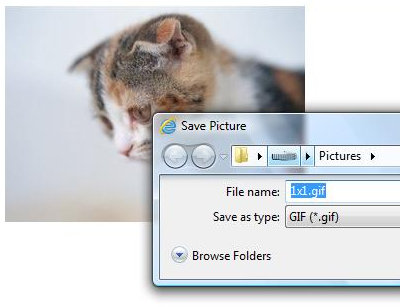
Whats mentioned here is a simple common technique to prevent someone from saving the actual image by right-clicking on it & Save As or Get Image Location.
- Set the image’s src attribute to a 1 pixel transparent gif
Set the image’s backgound-image property to the actual image you want it to show

About the author
- I am a web developer from Navi Mumbai. Mainly dealt with LAMP stack, now into Django and getting into Laravel and Cloud. Founder of nerul.in and gaali.in
Comments
Join the discussionNo comments yet. Be the first to comment.